Paletta
Color systems built for production. A live SaaS product I designed, built, and shipped as a solo founder.
Open Paletta (opens in a new tab)- Role
- Designer and Builder
- Timeline
- 2026
- Status
- Live: www.usepaletta.io
- Built with
About
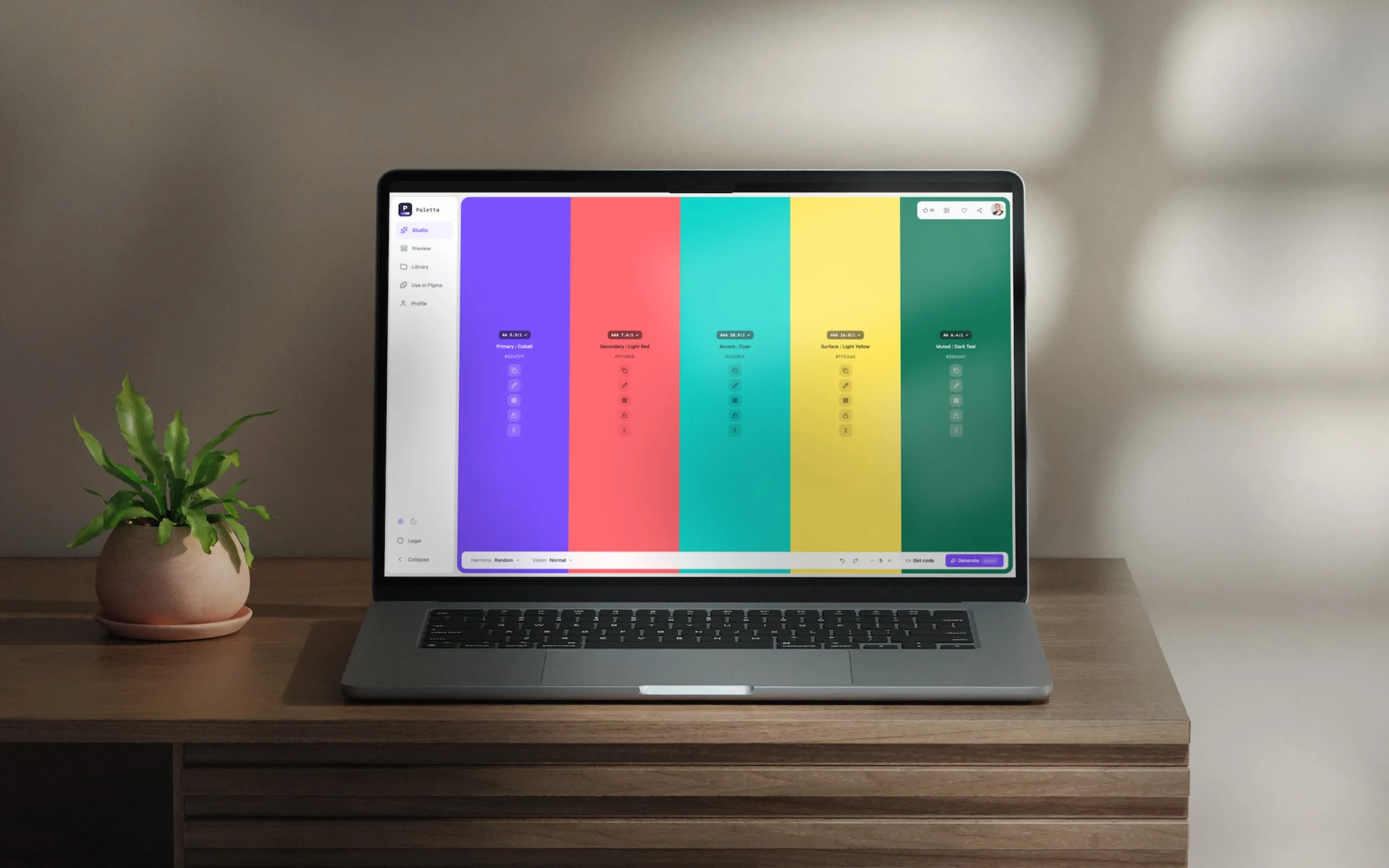
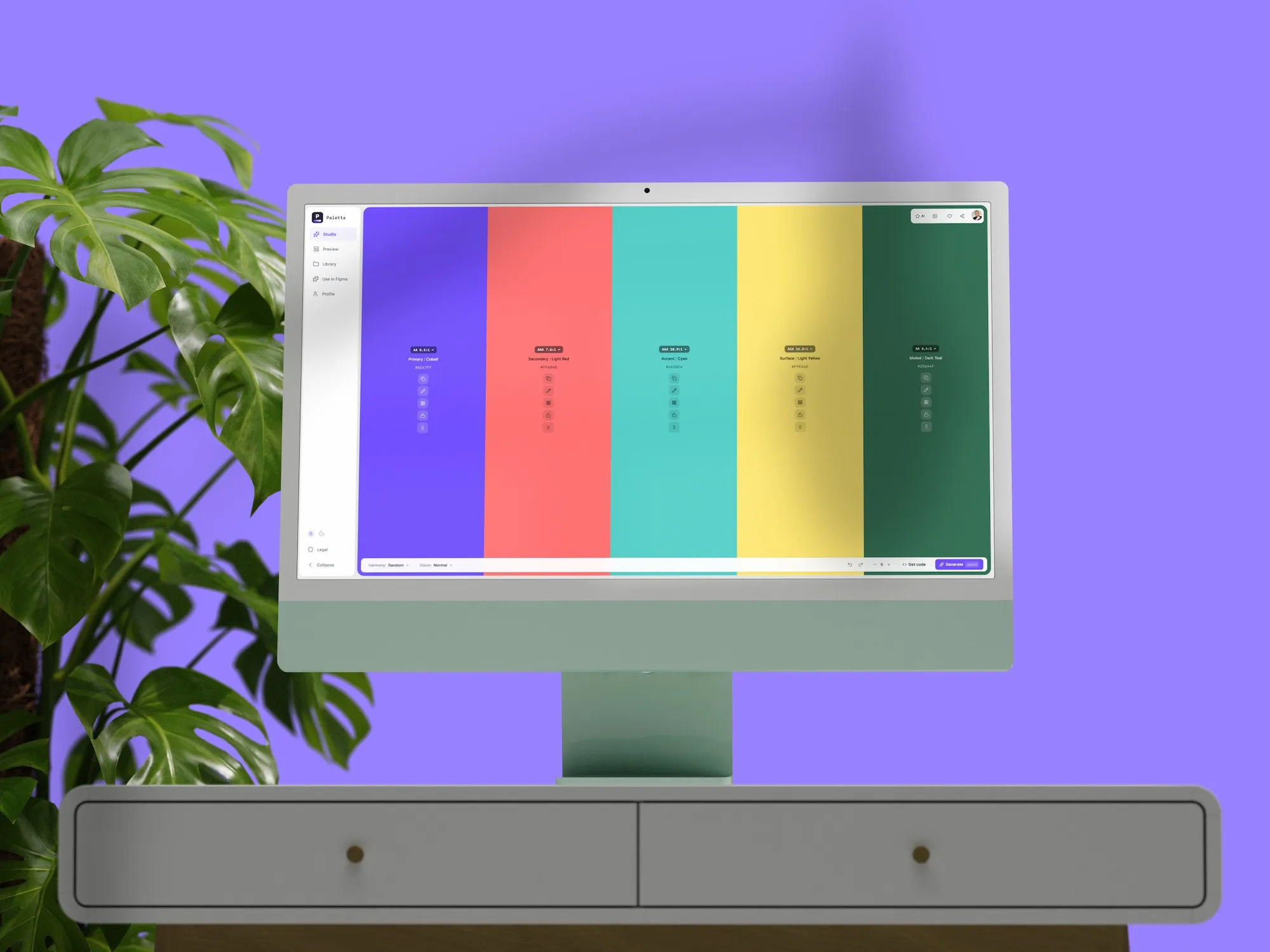
Paletta is a color system tool built for designers and frontend engineers who need to move from inspiration to production without losing anything in the handoff. It handles palette generation, full shade scales, WCAG validation, vision simulation, and Tailwind CSS export. The Figma plugin brings it directly into the design workflow.
Why I built this
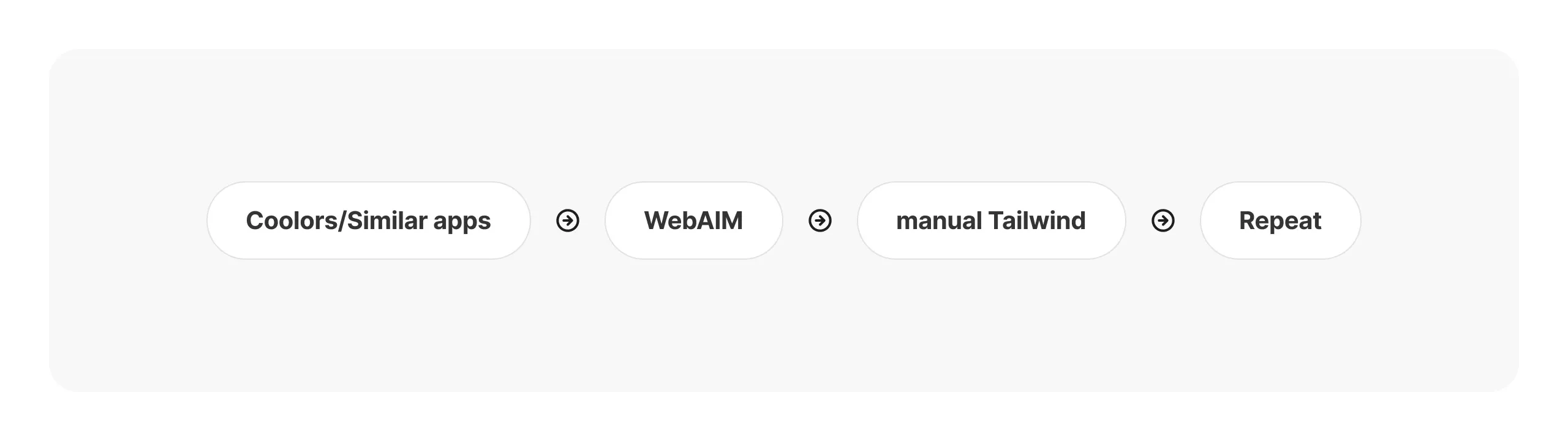
I kept hitting the same break point. Pick a palette, then spend hours building shade scales by hand, checking contrast in a separate tool, formatting tokens for engineers, and redoing all of it when one color changed. Tools like Coolors solve inspiration. They do not solve shipping.
I wanted one place to go from a single color to a production-ready system, with no manual translation layer between design and engineering. So I built it.
Paletta is also proof of something I care about: a designer can own the full loop, from spotting the problem to shipping the product, not just handing off a Figma file and hoping the build holds.
The problem
Color systems look simple from the outside. In practice they involve generating perceptually balanced shade scales, validating contrast ratios across every combination, simulating how the palette reads under different color vision deficiencies, and exporting tokens in formats engineers can actually use. Most teams solve this by stitching together three or four separate tools and a lot of manual work in between.
The handoff kept breaking. Especially at scale. Especially when something changed upstream and every downstream step had to be redone.
Market analysis
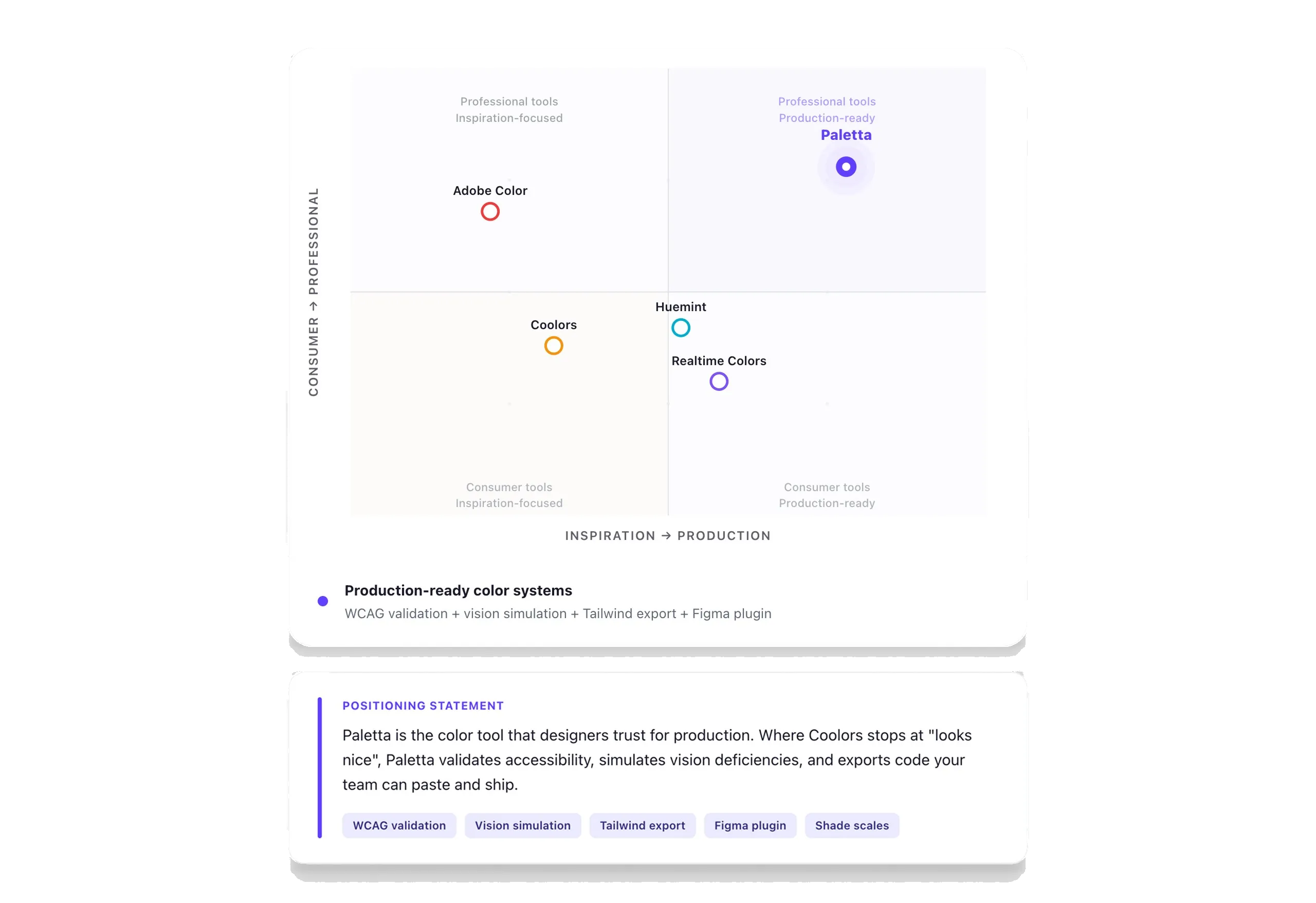
I studied the landscape before writing a line of code. Coolors owns inspiration with 8 million users and a ten-year community lead, so competing there is a losing play. Adobe Color locks you into Creative Cloud. Huemint is AI-first but light on exports. Realtime Colors shows live previews but has no WCAG validation or shade-scale generation.
Nobody owned the professional designer-to-frontend pipeline, the segment that needs palettes that ship, not palettes that look good on a mood board. The stakes also went up. Specify, a funded design-tokens platform, shut down. The EU’s European Accessibility Act is now in force, which turns accessible color from a nice-to-have into a legal requirement for anyone selling into Europe. That is exactly where Paletta sits.
Business model
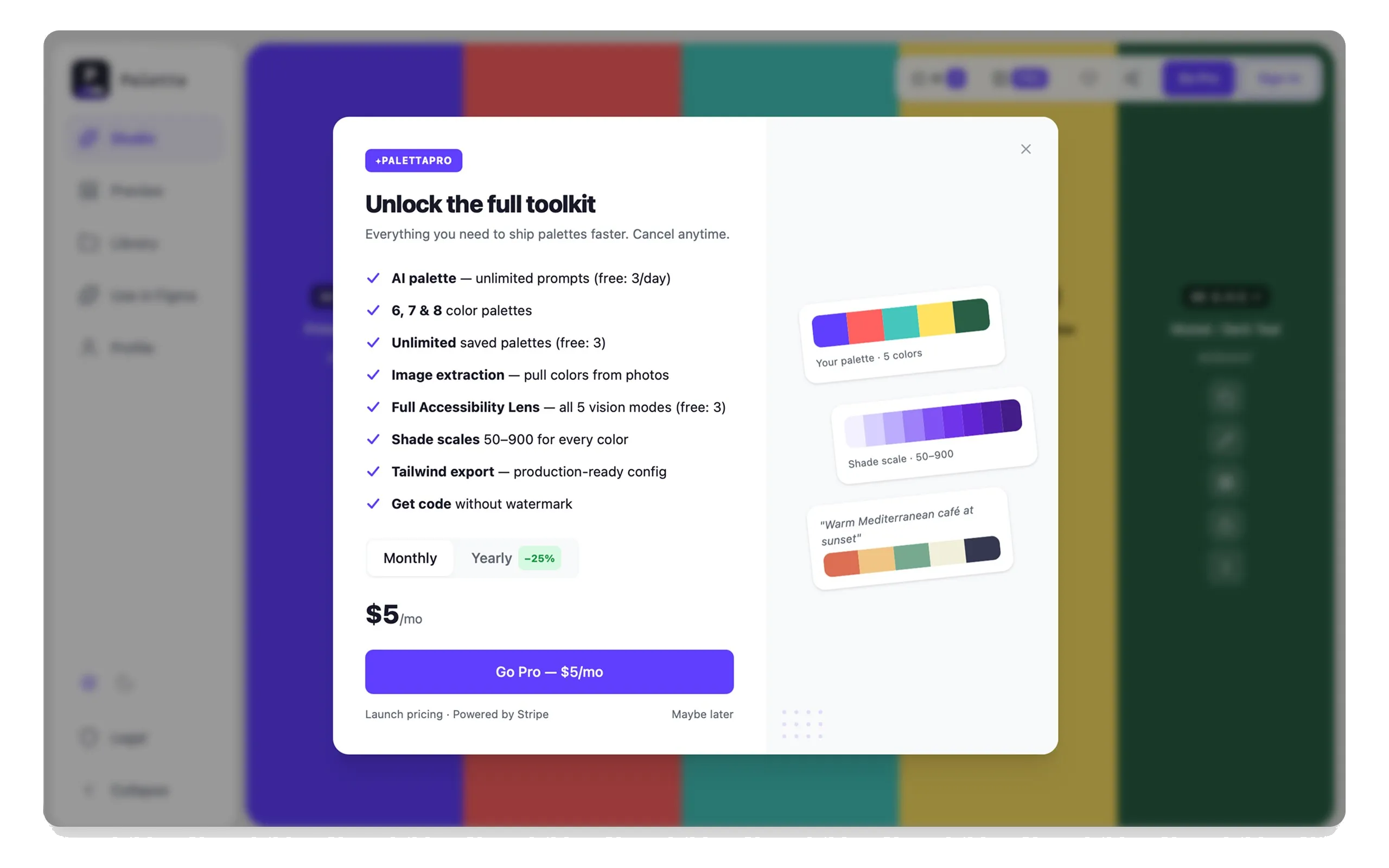
Free forever, no card to start. Pro at $9/mo or $79/yr, a 27% saving on the annual plan. Cost to serve is close to zero: static hosting on Vercel, a thin Supabase backend, and Claude Haiku for the AI at a low cost per generation.
Margins are strong, and the pricing is aimed at the individual designer, not gated behind enterprise sales, because the wedge is the solo designer who brings a team along later.
Design system
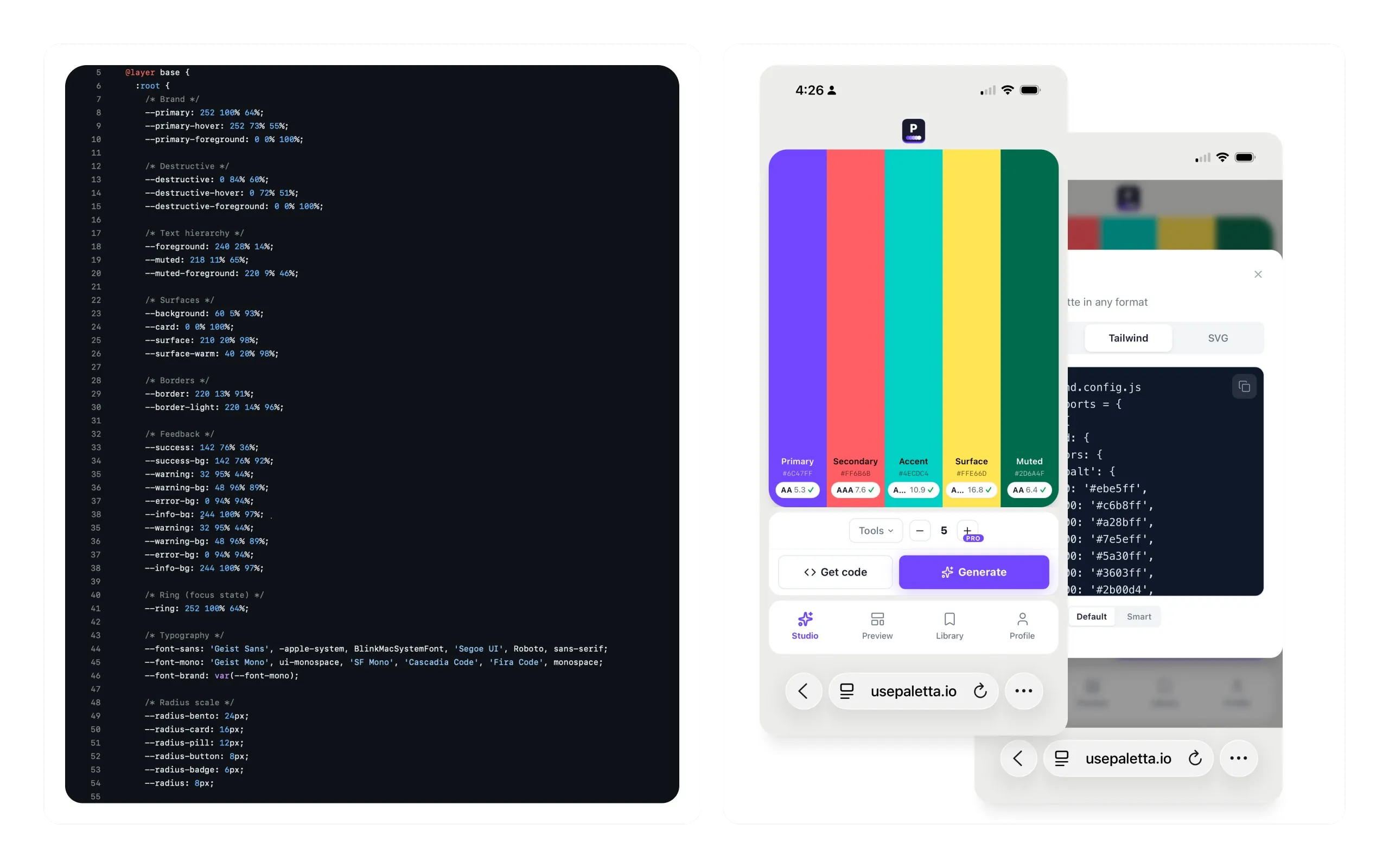
Paletta runs on a 3-layer CSS variable architecture. Variables are the single source of truth, Tailwind maps them to utilities, components only consume tokens. Change one variable and every surface updates. No hardcoded hex anywhere.
Radii run at five levels (24, 16, 12, 8, 6px) with an inner-radius formula, R_inner equals R_outer minus padding. The same tokens sync to a Figma file so design and code stay in one language. I documented all of it as a canonical spec that every change has to comply with. Same systems thinking I bring to a design org, turned on my own product.
Team of agents
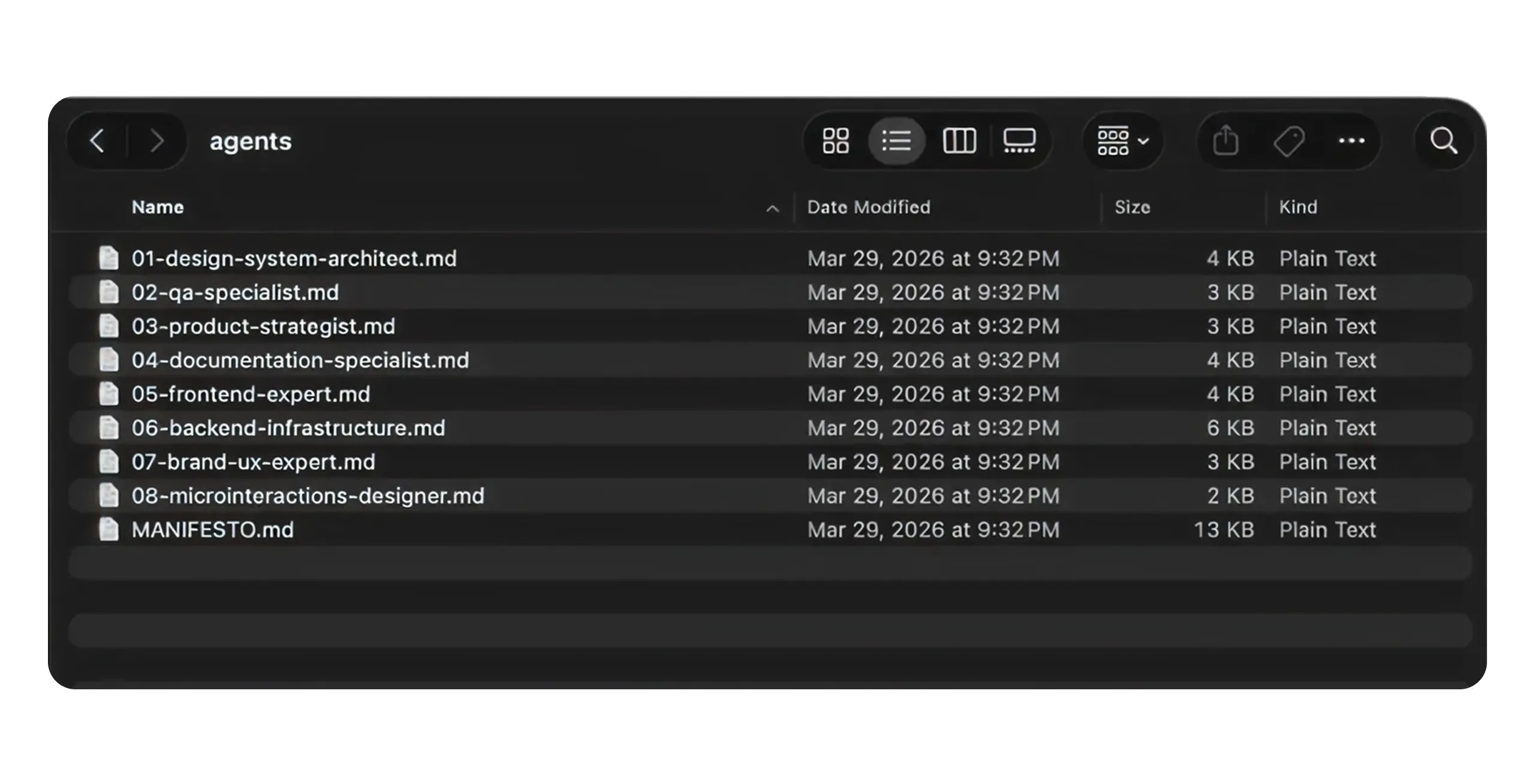
I build Paletta with a virtual product team: 8 specialized Claude Code agents, each with a defined jurisdiction and a relationship to the others. Writing a UI component triggers the design-system agent for token compliance and the frontend agent for architecture review. It is organizational design applied to a solo build. One person, structured like a team.
How I built it
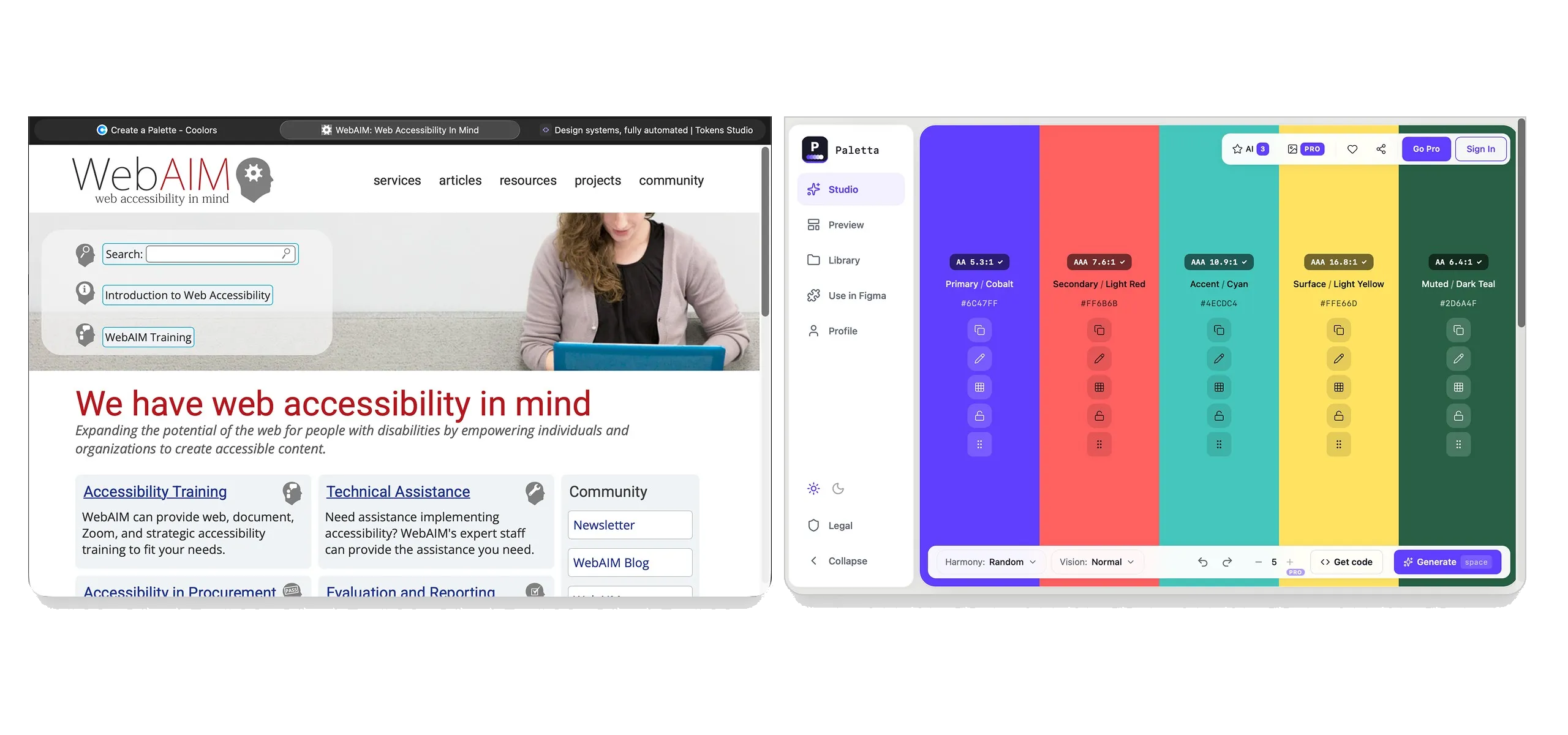
React 19, TypeScript, Vite, Tailwind, shadcn/ui, Zustand for state, Supabase, Stripe, Vercel, chroma-js for the color math, Vike for SSG. AI features run on the Claude API (Haiku). I write it with Claude Code as my engineering partner, which is how one designer ships and maintains a full product without a team.
What shipped
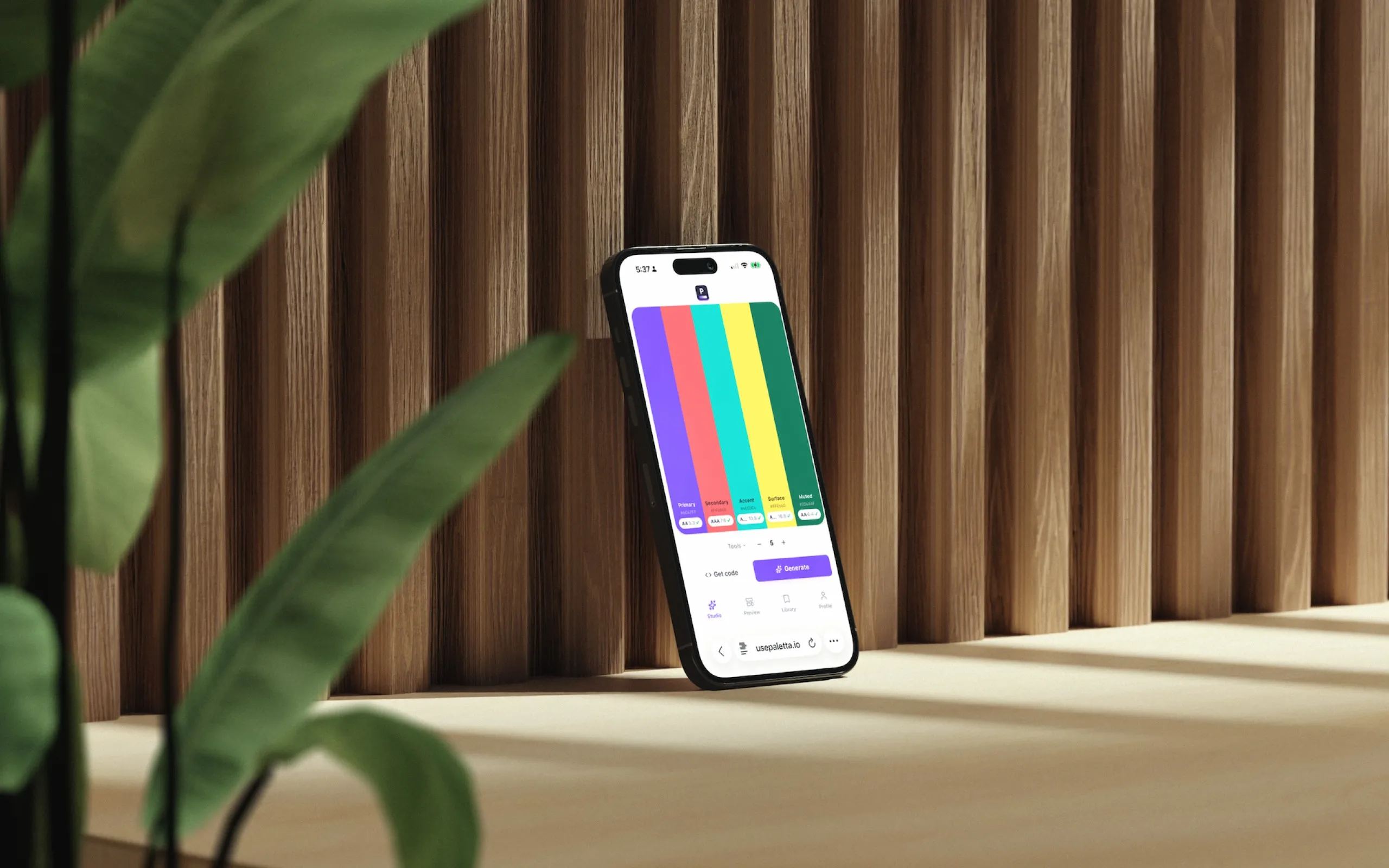
Everything below is shipped and running at usepaletta.io:
- AI palette generation from a single color
- Full 50 to 950 shade scales in OKLCH
- WCAG 2.2 contrast validation
- Color-vision simulation
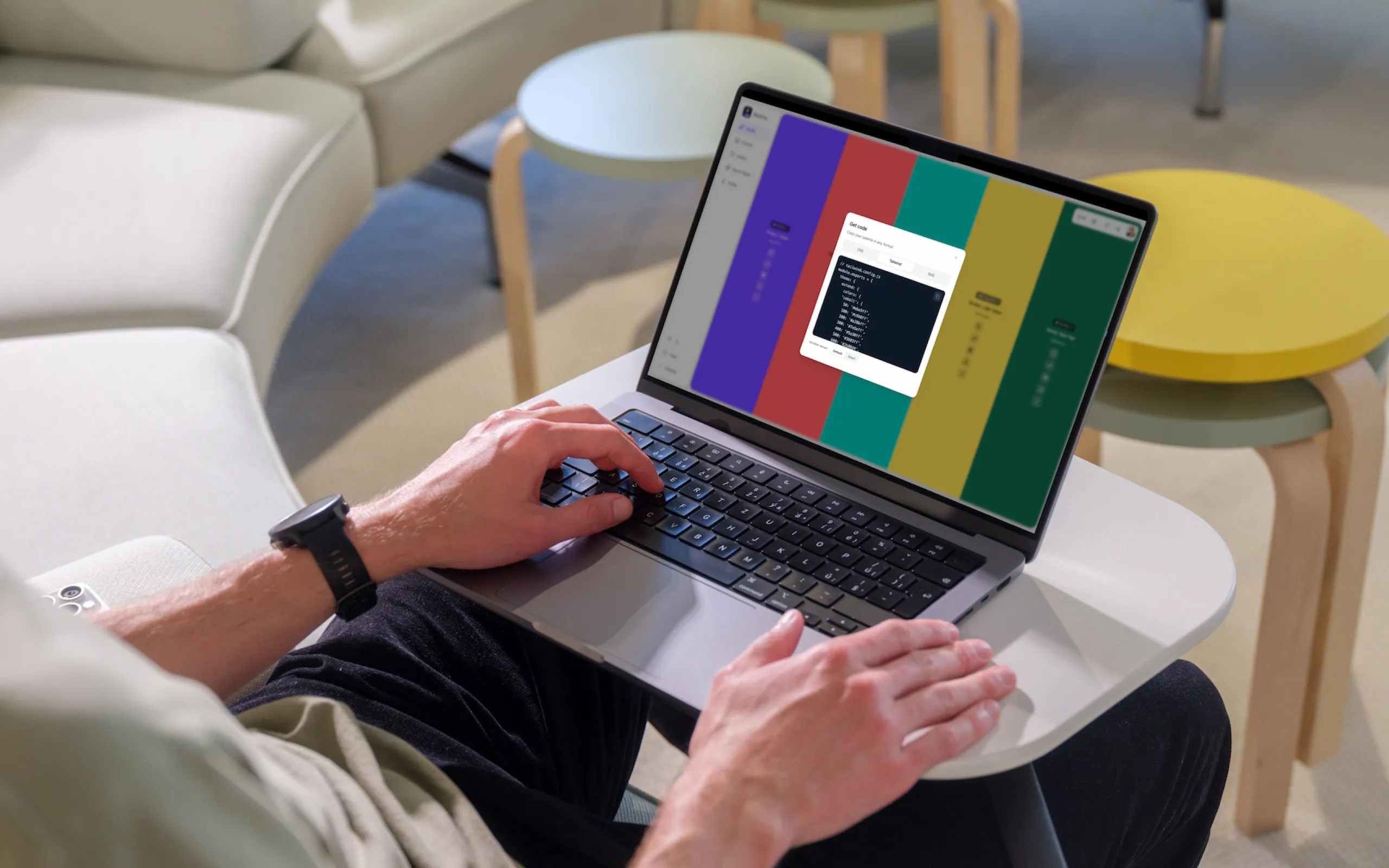
- Export to Tailwind, CSS, and design tokens
- Live preview on real UI mockups
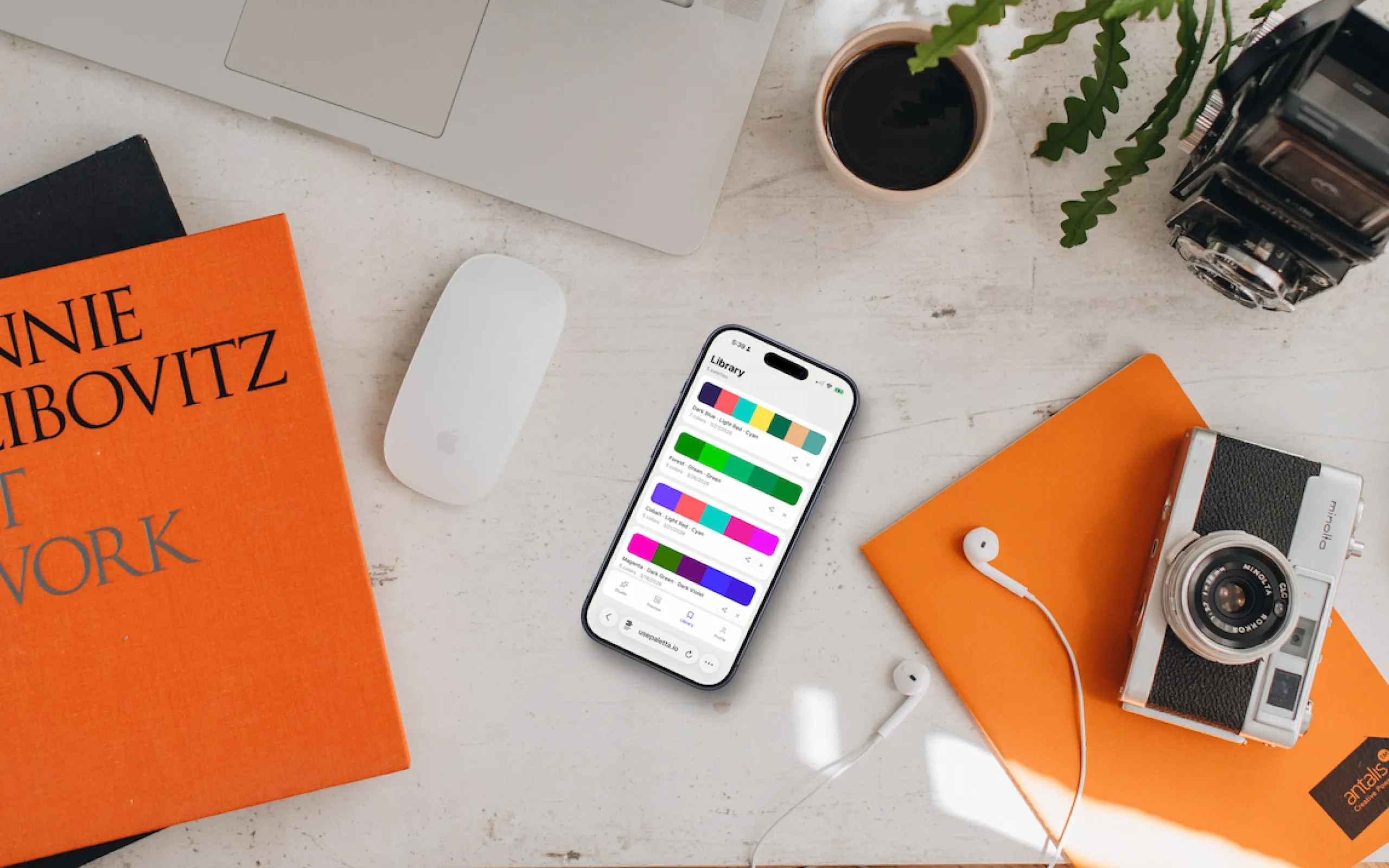
- A saved library of systems
- A live, bidirectional Figma plugin
- Free tier and Pro billing on Stripe
- PostHog analytics running end to end
Distribution runs through the Figma plugin as top-of-funnel, a build-in-public series on dev.to, and Reddit and X. The product is fully built and functional. Pre-launch only in the sense of the public push, not in what exists.