Popshot
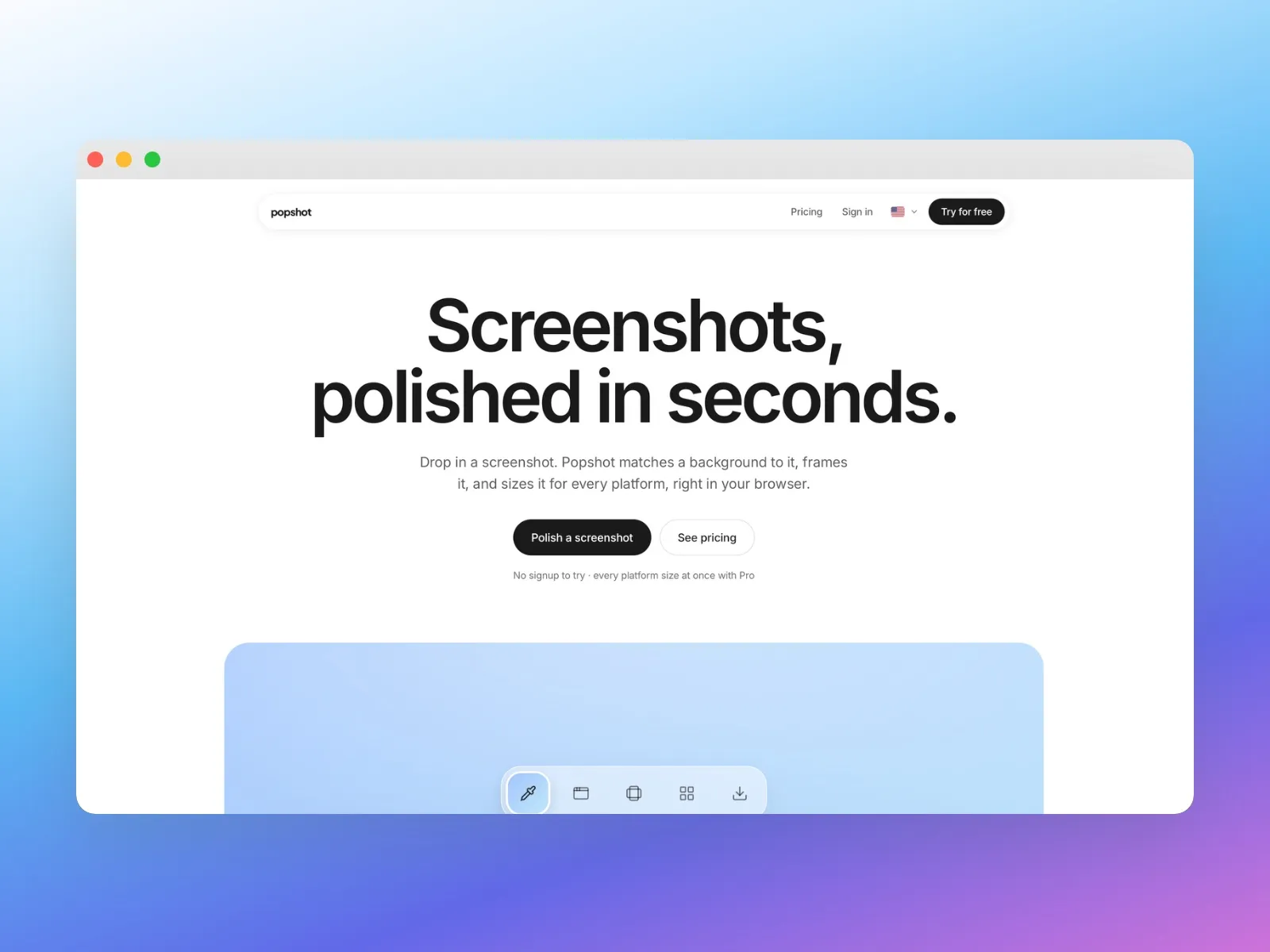
Raw screenshots into polished, platform-sized visuals, in seconds. A zero-to-one product I designed and built solo with AI, live with real users.
Open Popshot (opens in a new tab)- Role
- Designer and Builder
- Timeline
- 2026
- Status
- Live: www.popshot.app
- Built with
About
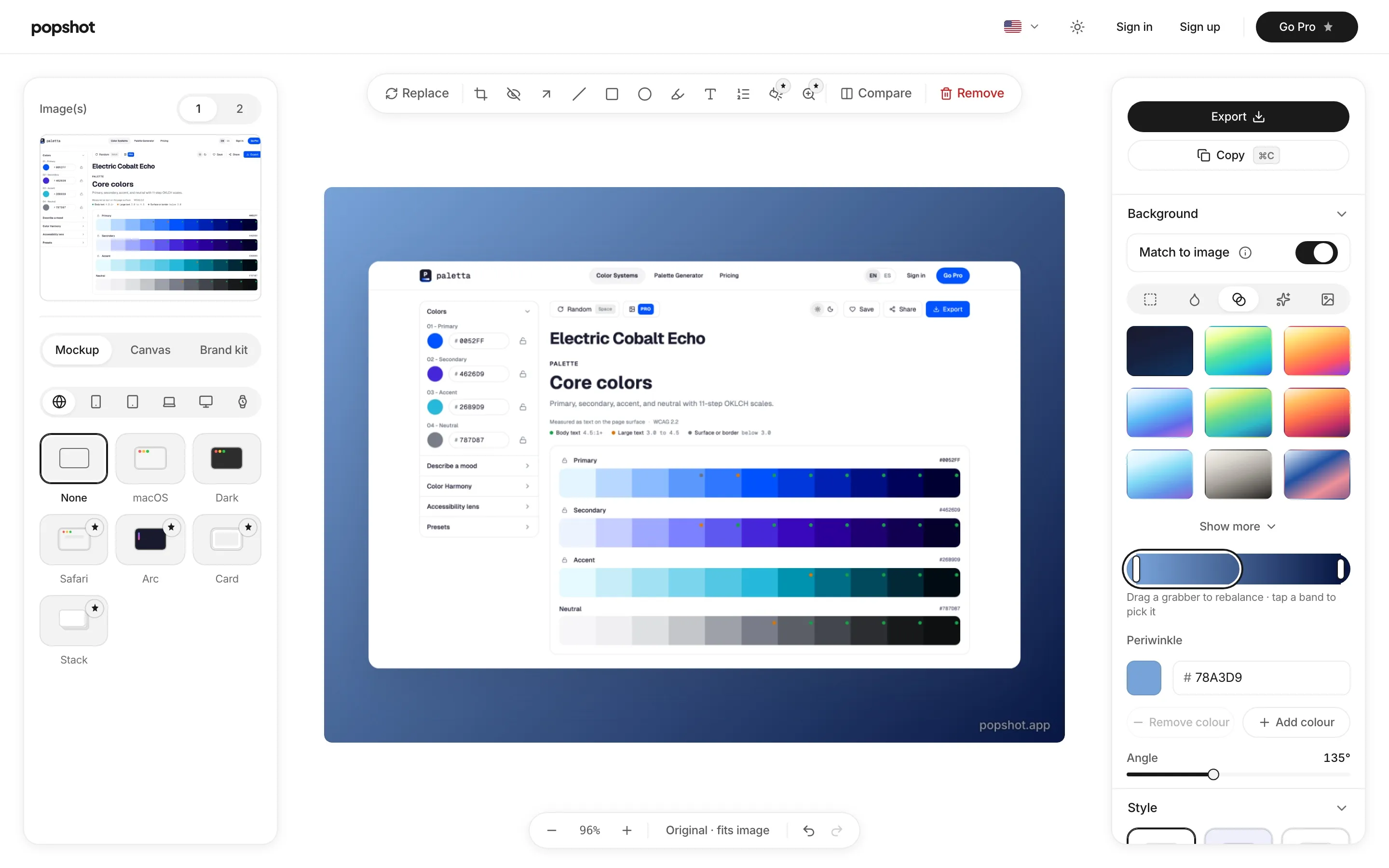
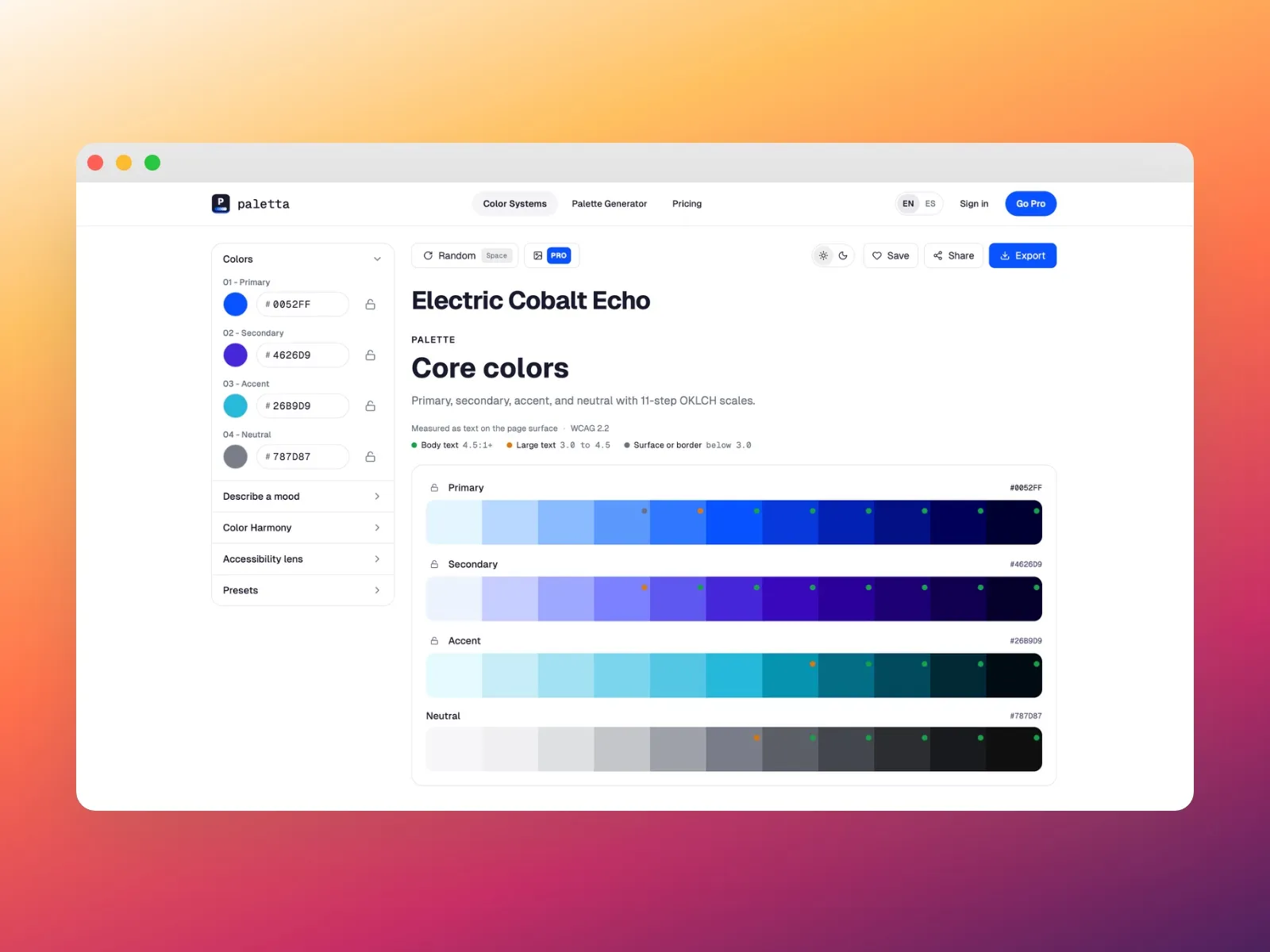
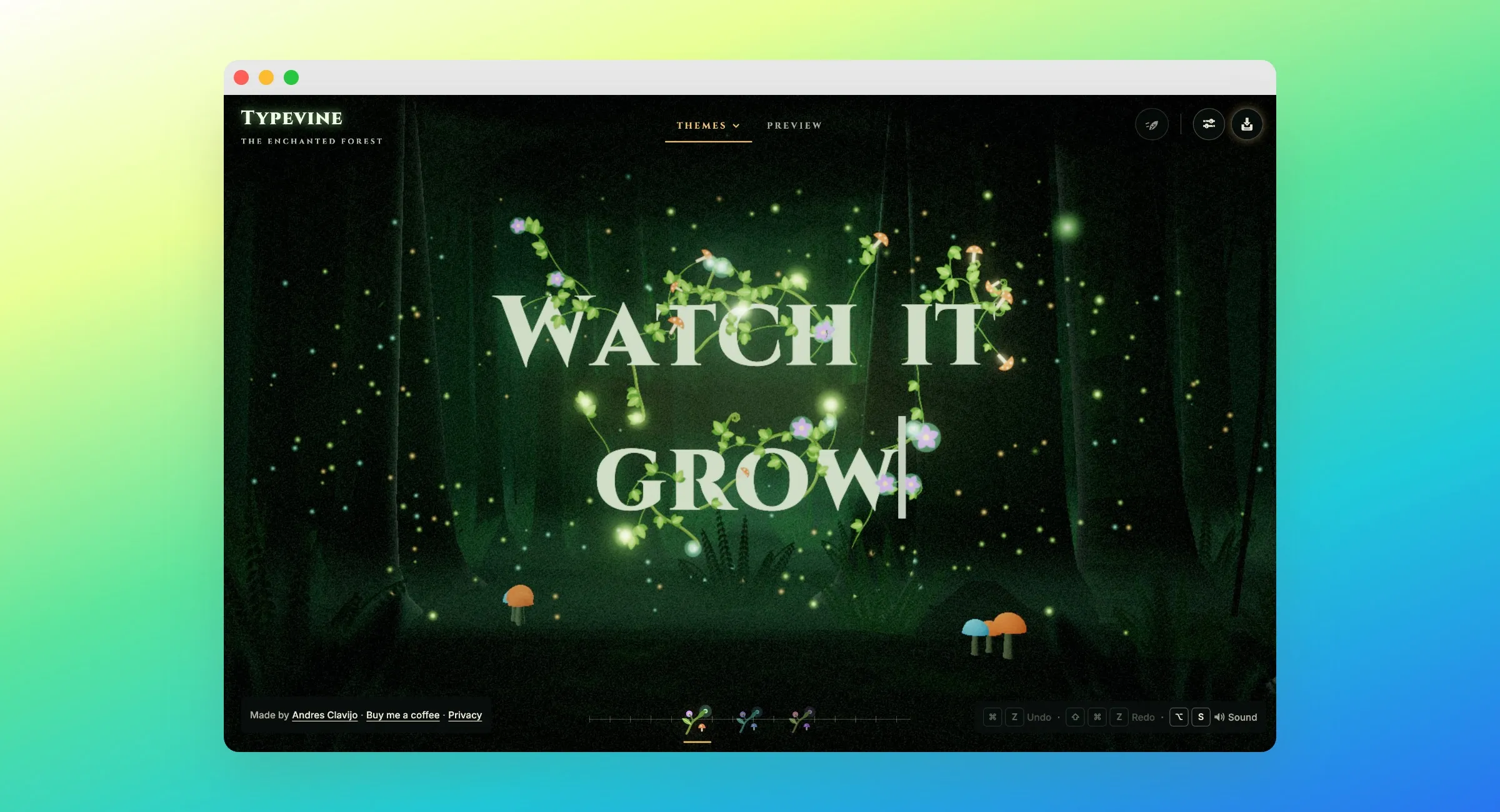
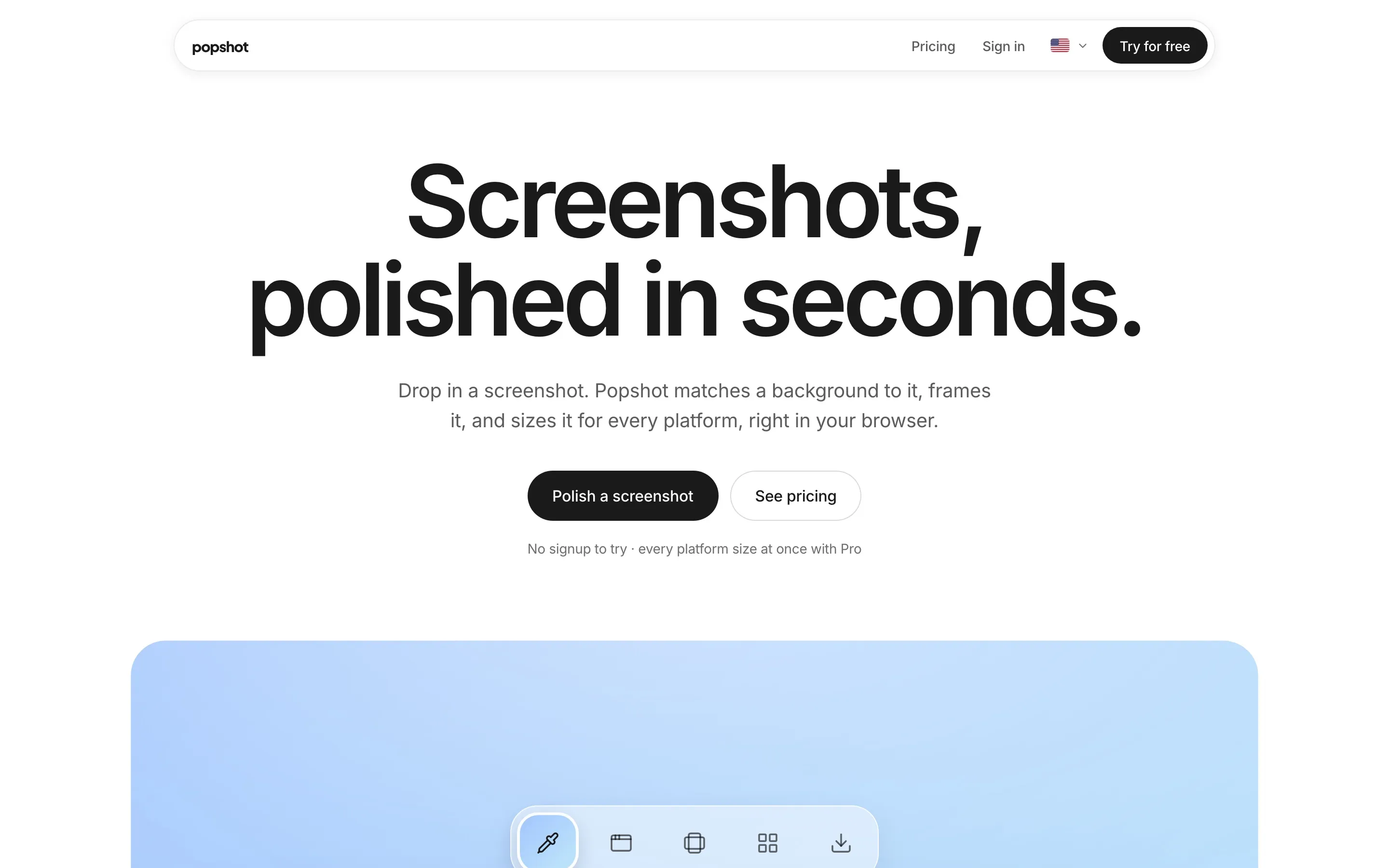
Popshot turns a raw screenshot into something you can put on a landing page, a changelog or a launch post. Paste or drop an image and Popshot matches a background to it, frames it and sizes it for every platform. Annotate, blur what shouldn’t be seen, export. It runs entirely in the browser and needs no account to try. The free tier is a real tool rather than a trial; its exports carry a small popshot.app watermark.
Why I built this
Every product I ship needs the same thing and none of it is the interesting work: a screenshot that doesn’t look like a screenshot. A window frame, a background that isn’t gray, an arrow pointing at the thing you’re supposed to look at, and an export that isn’t 4MB.
The existing tools solve this, but most want an account before you can see the output, and several put the good backgrounds behind a subscription you have to commit to before you know whether the tool fits. That’s a lot of friction for a task that takes forty seconds.
So I built the version I wanted: open it, paste, export. Decide later whether you care enough to pay.
The problem
A screenshot is evidence, not a visual. Straight out of the OS it carries the wrong aspect ratio, a distracting desktop behind it, whatever notification arrived at the wrong moment, and none of the framing that tells a reader where to look.
Fixing that by hand means a design tool, a mockup file, a manual crop, a shadow you eyeball, and an export preset you re-derive every time. It is a five-minute job you do repeatedly and never get faster at, because nothing about it is reusable.
How I built it
React 18, TypeScript, Vite, Tailwind and shadcn/ui, with Zustand for editor state. The canvas is Konva, which is what makes multi-image composition, device frames and zoom behave like a real editor rather than a stack of CSS transforms. Supabase handles auth and entitlements, Stripe handles billing, Vike renders the marketing pages as static HTML for search, PostHog covers analytics, and the whole thing deploys on Vercel.
Export is the part that had to be exact. Everything composites on canvas and downloads locally, so nothing you paste is ever uploaded anywhere.
What shipped
Everything below is live at popshot.app:
- Paste, drop or upload, then copy the result straight back to the clipboard
- 30 canvas presets at each platform’s exact size, and on Pro every platform size at once in one download: LinkedIn, X, Instagram, Product Hunt and link previews
- 19 device mockups across phones, tablets, laptops, displays and watches
- Browser and OS frames, with Arc, Safari, Card and Stack as premium frames on Pro
- Backgrounds: solid, gradient and mesh, with match-to-image sampling the screenshot’s own palette; glass and image backgrounds on Pro
- Styles: Minimal, Glass, Soft Shadow, Gradient, Dark and Borderless, with the premium ones on Pro
- Annotation: arrows, boxes, ellipses, lines, text, highlighter, numbered steps, crop, blur for redacting, and a before/after compare; spotlight, magnifier, curved arrows and callouts on Pro
- Multi-image layouts and zoom
- PNG, JPG and WebP export at 1×, 2× and 3×, transparent PNG, and 4× on Pro
- Saved looks: 3 with a free account, unlimited on Pro
- A small popshot.app watermark on free exports; Pro removes it or puts your own logo there instead
- Full Spanish, with an in-app language switcher
- No signup to try; Pro on Stripe at $9/mo or $79/yr
Where it stands
The product is built and running. The honest gap is distribution, not features. Analytics show the wall is traffic rather than conversion, so the current work is findability: static rendering for search, directory listings, and a browser extension to move capture and beautify into one step.
That is the part of shipping solo that nobody puts in the case study. Building it was the easy half.