Product, Live
Typevine
A side project: type a message and it grows into an animated scene you can save as an image or a looping video. I designed the worlds and how it feels to type, and took it from idea to launch.
- Role
- Concept, worlds and motion
- Timeline
- October 2026
- How it’s made
- Made from scratch with AI in five days
A message that grows
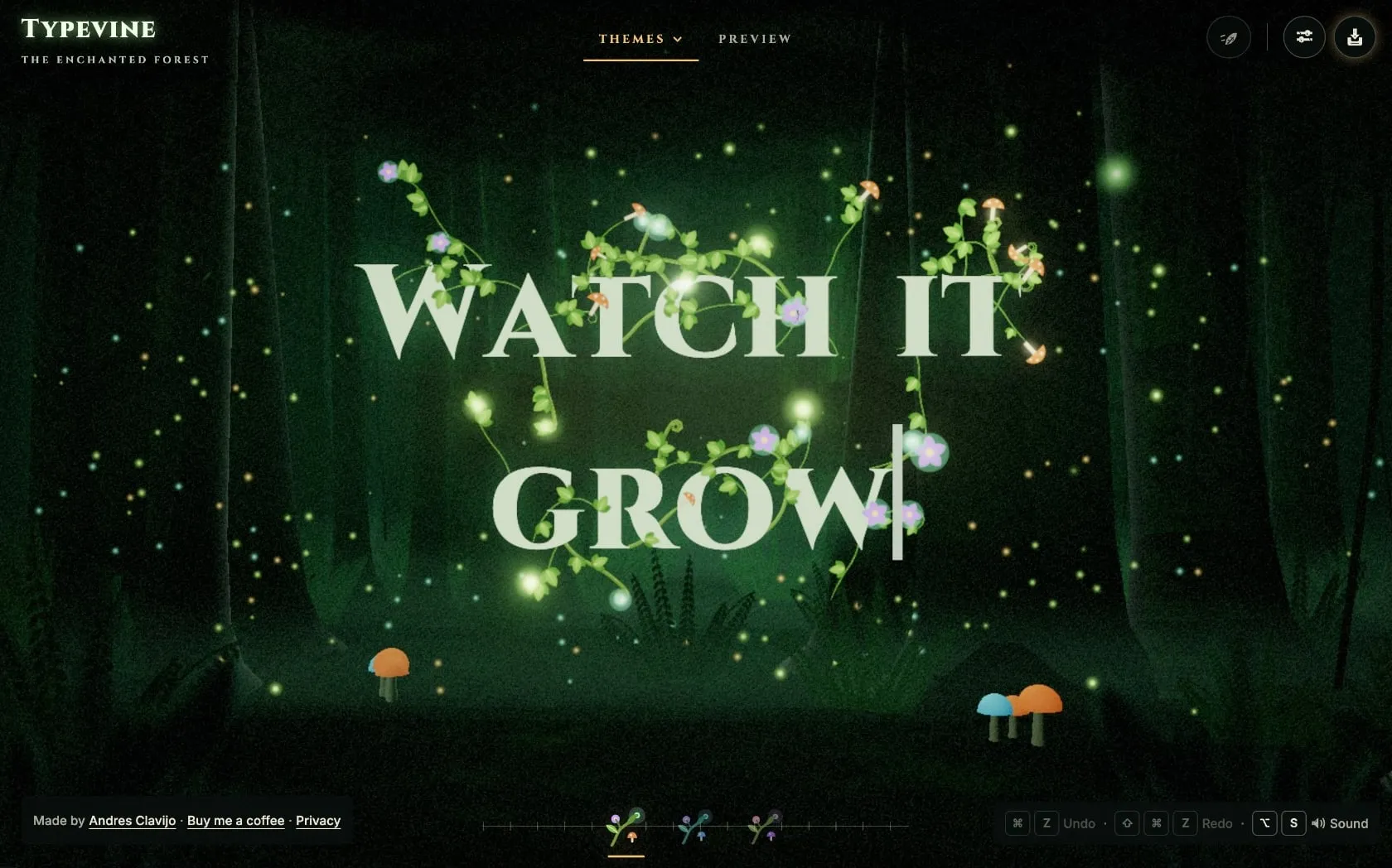
Typevine turns a message into a small animated scene. Type “Happy birthday Maya” and vines grow over and under the letters while fireflies drift past. Save it as an image or a looping video and send it, with no account and no paywall.
A side project, on purpose
It started with a post about Type Garden, a small experiment by Akshat Agarwal where a garden grows out of the letters you type. I wanted to try the idea in my own style.
My other products, Paletta and Popshot, exist to remove friction from work. This one only has to feel good to use: every key makes something grow, so typing feels closer to a game than a form.
How it was made
Part of the challenge was to have AI build everything from scratch, using none of Type Garden’s code in the product, so the result carries my own vision and themes. The engine grows the vines from a seed, so the same message and pattern always grow the same way, and the preview, the saved image and the video match exactly.
A vine must never hide the message, because that ruins the card. A test sweep grows twenty patterns in all four formats over many messages, and checks frames through each loop against how much of each letter the art may cover.
Two worlds to grow in
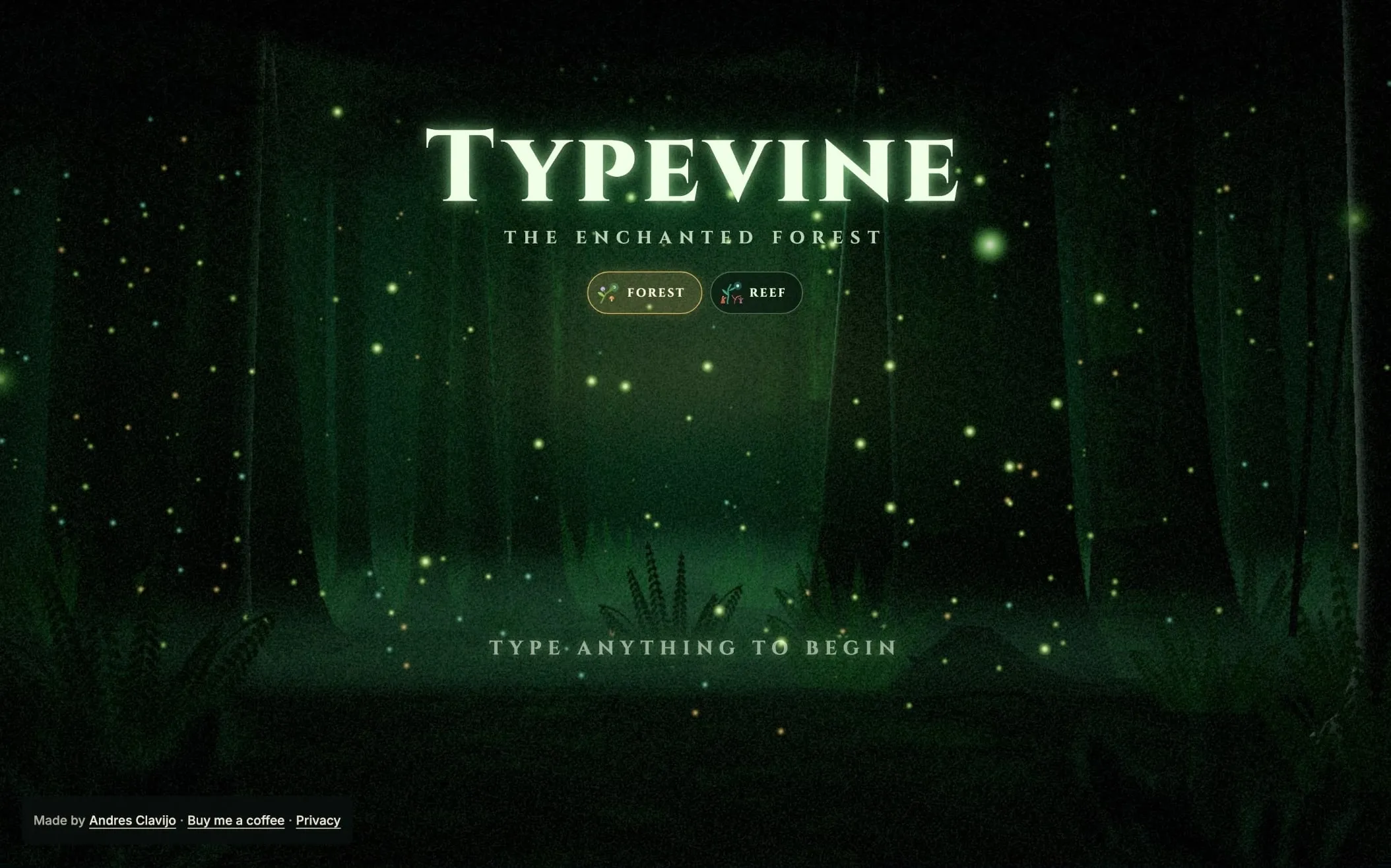
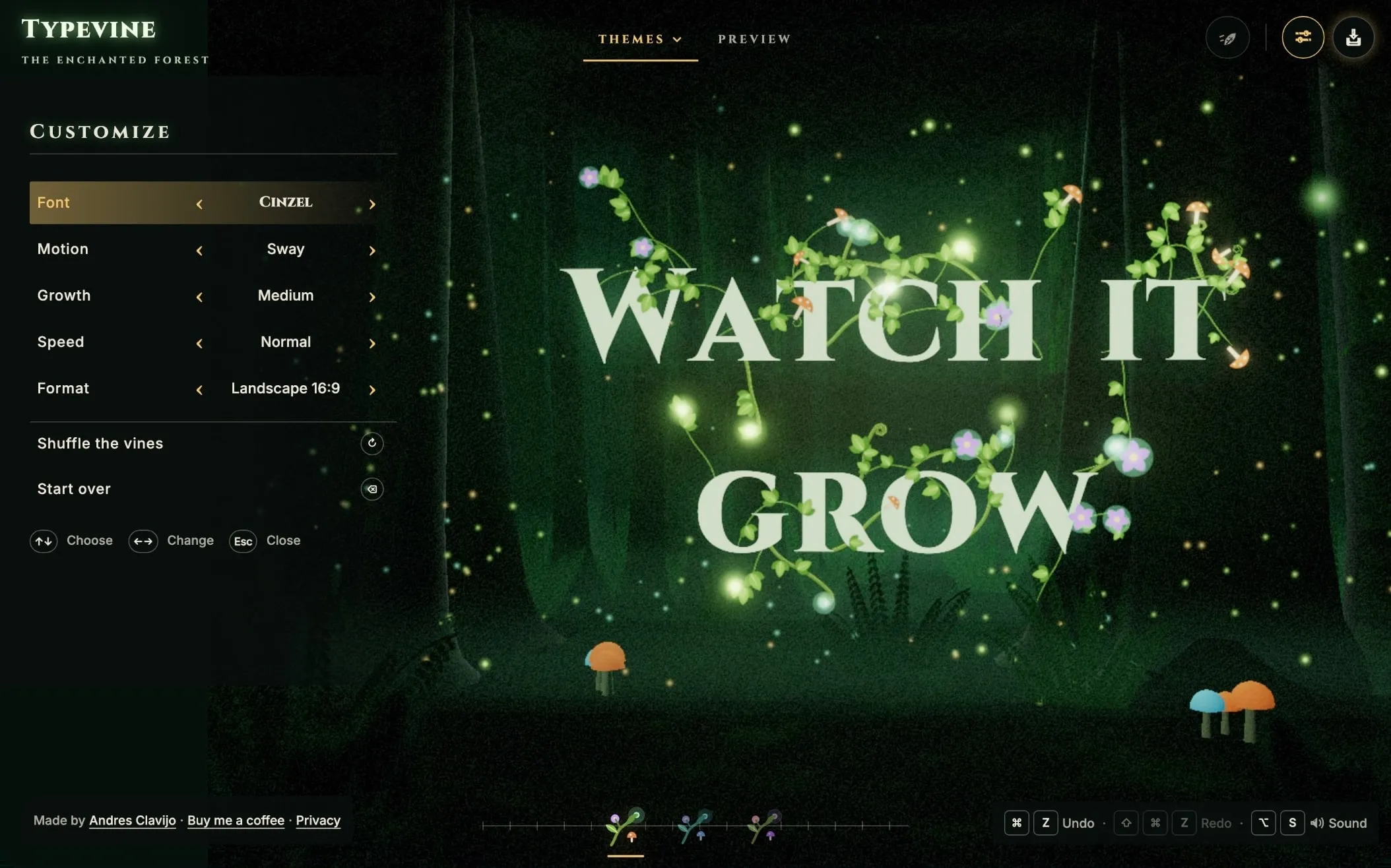
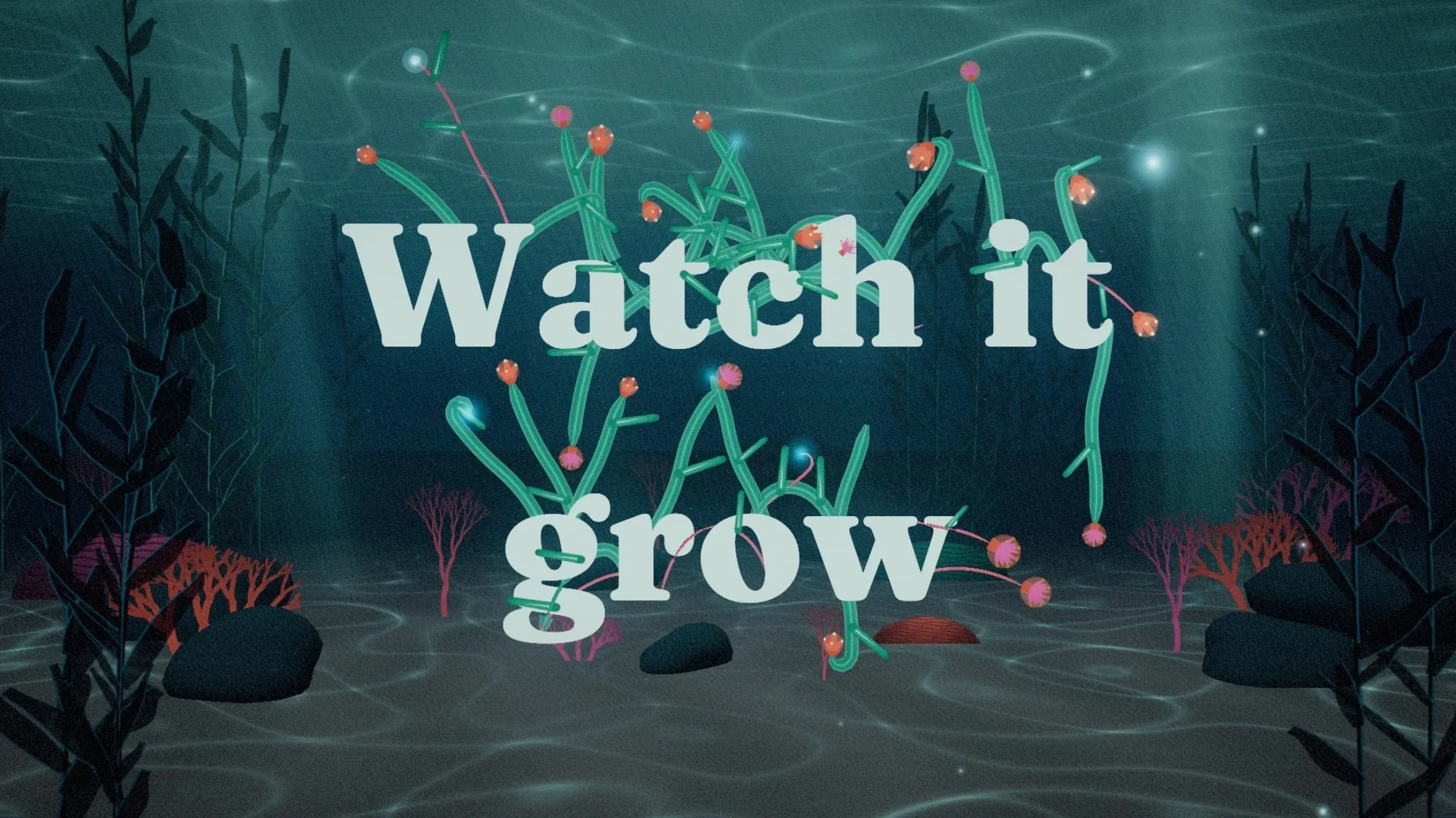
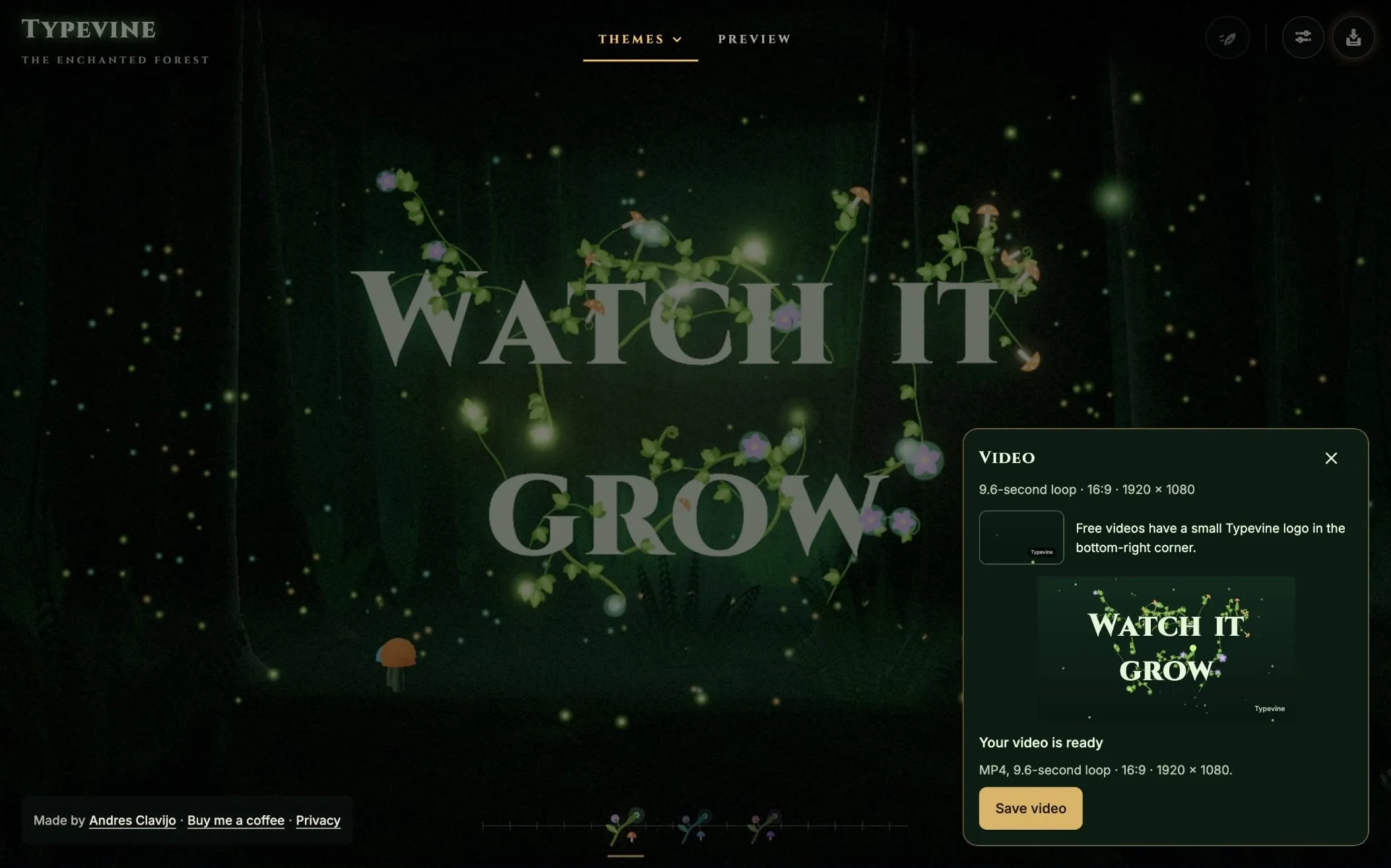
The Enchanted Forest and the Deep Reef each come with three looks. You choose the font, the motion, how much grows and how fast, in landscape, square, portrait or story format. Images are free, and so are videos, with a small Typevine logo in the corner.
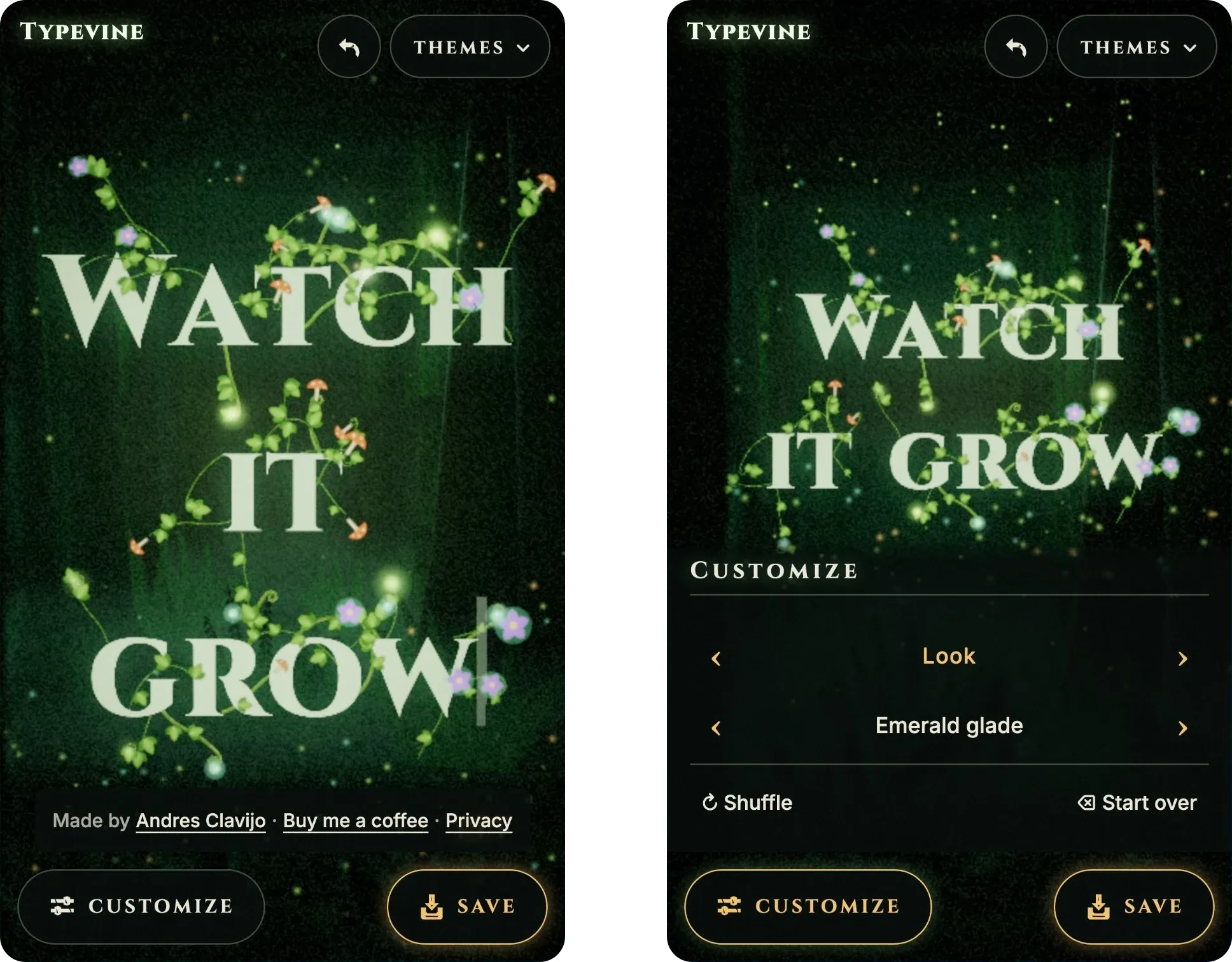
On a phone the scene fills the screen and the controls sit in a bottom bar. With reduced motion on, the preview stays still, and the analytics are cookieless and never record what you type.
No roadmap yet
It may keep growing one world at a time, or stay as it is. Either way it did what I wanted: it made an idea I loved my own and showed me how far building with AI could go in a few days.